Product Visuals
Marketplace-ready visuals from one product image.
Use Photo Studio for product scenes, backgrounds, shadows, and listing image packs. Use Frame Studio for wall-art mockups, room scenes, gallery walls, and marketplace exports.
Studios
Two workspaces for finished visual packages.
Photo Studio
Turn one product image into a marketplace-ready visual pack with clean listing images, background variants, shadows, text overlays, and channel-specific exports.
Frame Studio
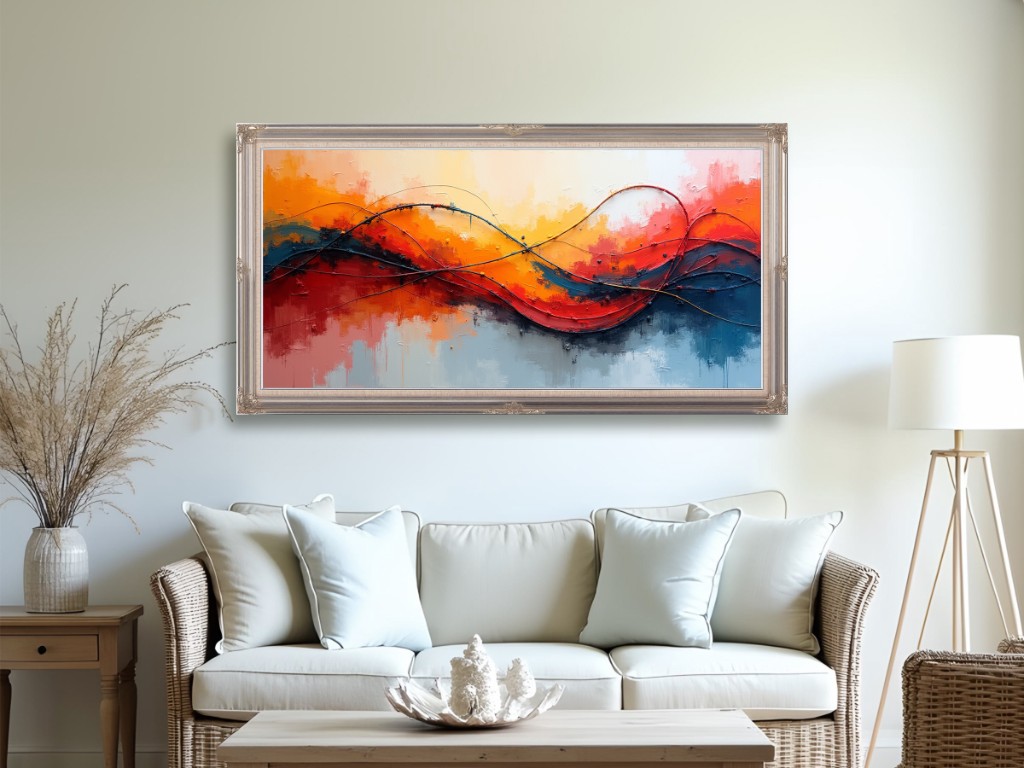
Create marketplace-ready wall art mockups, room scenes, gallery wall layouts, and listing images from artwork without squeezing the full editor into a single-tool page.
Single tools
Fast visual tasks before a full Studio is needed.
Smart Background Studio
Create product-style image backgrounds, shadows, export ratios, and marketplace copy prompts from an uploaded image.
Frame Mockup Generator
Upload artwork, choose a frame, wall style, shadow, and export size, then download a simple marketplace-ready mockup.
Gallery Wall Layout Planner
Plan multi-frame gallery wall layouts from wall size, artwork count, frame ratio, spacing, and arrangement style.
Social Image Size Presets
Look up common image sizes for X, LinkedIn, YouTube, Instagram, Facebook, TikTok, and Pinterest.
OG Image Generator
Generate Open Graph preview images (1200×630) for social media sharing.
Guide
Build a product visual sales kit.
Start with one clean mockup, plan the gallery wall, create product backgrounds, and export marketplace-ready sizes.